NetSuite Reporting & Analytics — Tools & Resources
Go beyond saved searches. Learn how to build executive dashboards, KPI tracking, and advanced analytics with NetSuite and third-party BI tools.
Overview
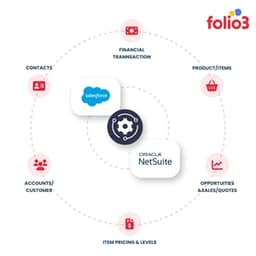
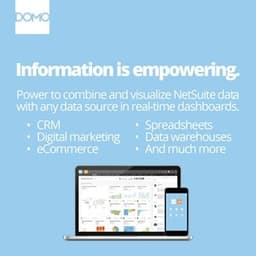
NetSuite's reporting tools — saved searches, report builder, and SuiteAnalytics workbooks — cover the majority of operational reporting needs. The gap is at the executive and cross-functional level: combining NetSuite data with Salesforce pipeline data, Shopify revenue data, or HR headcount data in a single dashboard is not something NetSuite does natively. This is where dedicated BI connectors earn their value.
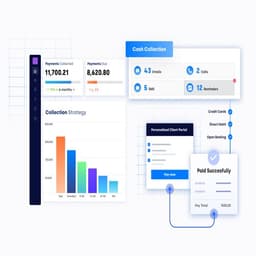
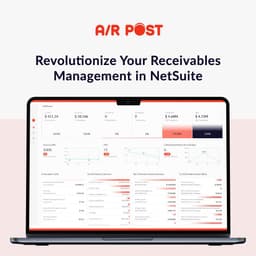
The most common approach is to use a BI connector that extracts NetSuite data (via SuiteQL queries or the Analytics Data Store) into a data warehouse like Snowflake, BigQuery, or Redshift, then connect a visualization layer like Tableau, Power BI, or Looker. This architecture takes a few weeks to implement properly but produces dashboards that business users can self-serve without IT involvement. For businesses not ready to invest in a full data warehouse, there are lighter-weight NetSuite BI tools that connect directly to NetSuite and provide pre-built financial and operational dashboards.
Saved search performance is a frequently overlooked area. As a NetSuite account grows, saved searches that ran in two seconds at launch can take 30–60 seconds to execute against five years of transaction data. Properly indexed join conditions, summary search types instead of list searches for aggregation, and scheduled reporting for non-urgent data refreshes are the main levers for improving performance without third-party tools.