Celigo CloudExtend ExtendSync for Outlook
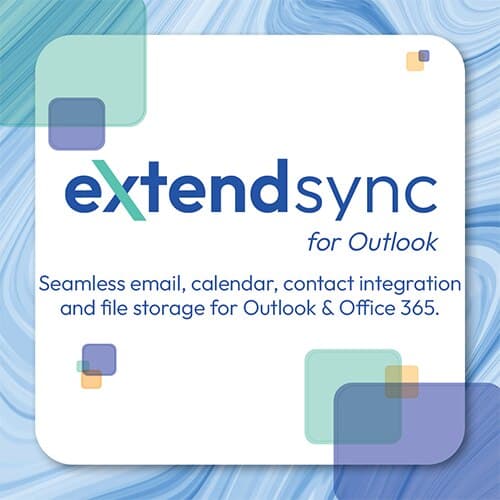
ExtendSync for use with NetSuite and Outlook offers an intuitive solution for adding emails, calendar events, and file attachments to NetSuite directly from Outlook. Eliminate the need to copy and paste emails and give instant organizational visibility into important communications.
Screenshots
Overview
Email and Calendar Integration with NetSuite and Outlook with NetSuite Record Create/View Capabilities
ExtendSync ensures you don't miss another important email, event, or contact update. ExtendSync integration lets users create new contact records or search and edit existing ones all without leaving Outlook.
Automatically sync any email communication by thread or email address to specific NetSuite records.
No more time spent copying and pasting emails and manually adding calendar events: Give teams instant organizational visibility into important communications, documents, and connections with a solution that can be configured within 30 minutes or less.
Key Benefits
Create and edit NetSuite records directly from your inbox.
One-click addition of emails, attachments, and events to NetSuite records.
Reduce storage costs by leveraging Microsoft OneDrive and SharePoint in NetSuite by associating files and folders with NetSuite records.
Using Autopilot, attach an email thread to NetSuite once and ensure that the entire conversation is visible in NetSuite without any user action required. Or attach automatically based on a particular sender or recipient email address.
Eliminate duplicate emails: ExtendSync alerts you if an email has already been attached by you or a colleague.
Direct Integration between NetSuite and Outlook
With direct integration between NetSuite and Microsoft Outlook, ExtendSync provides a solution for NetSuite CRM data updates, storage savings, email attachments, and calendar syncing all from one email-based app. Stay in your Outlook inbox and set up ExtendSync to automatically attach emails and files, sync calendar events, and create, edit, and delete contact records from email to NetSuite. Give your teams instant organizational visibility into important communications, documents, and connections with a solution that can be configured within 30 minutes or less. With ExtendSync, your teams are empowered to save time and increase productivity.
ExtendSync, part of NetSuite's Built for NetSuite program, automates the process of adding emails, calendar events, and file attachments to the CRM. Users no longer have to spend their valuable time adding these manually. Add Autopilot and automatically add entire email chains to NetSuite based on a thread or a particular email address.
ExtendSync supports both web and desktop clients for both Mac and Windows.
Compare Celigo CloudExtend ExtendSync for Outlook with
Similar in Integration & iPaaS
View all
Boomi Integration Accelerator for Salesforce
Boomi
Integration between Salesforce & NetSuite
Patchworks eCommerce iPaaS
Patchworks Media Ltd
Oracle NetSuite and Patchworks enable seamelss integration between NetSuite and ecommerce platforms like (but not limited to) Shopify, BigCommerce, commercetools, Adobe Commerce (Magento), Commerce layer, Shopware, and OroCommerce. Patchworks also integrates Netsuite with other retail systems such as PIMs, OMS, WMS, POS, CRM and CDP.
Celigo CloudExtend ExtendSync for Outlook