NetSuite Warehouse Management — Tools & Resources
Set up warehouse management in NetSuite, optimize pick/pack/ship workflows, and reduce fulfillment errors with the right WMS tools.
Overview
NetSuite's built-in WMS (Warehouse Management System) module handles basic bin management, pick/pack/ship workflows, and RF scanning with supported hardware. For businesses with straightforward warehouse operations and moderate order volumes, the native module is often sufficient. The gaps appear as order volumes increase: native NetSuite WMS does not support wave picking, has limited support for multi-step quality control, and can struggle with the performance demands of high-velocity fulfillment operations.
Third-party WMS tools that integrate with NetSuite typically fall into two categories: overlays that add functionality on top of NetSuite's native WMS (better for businesses already using NetSuite WMS), and standalone WMS platforms with a dedicated NetSuite connector (better for high-volume operations where NetSuite becomes the system of record for inventory and financials but not for warehouse execution). The overlay approach is easier to implement and maintain; the standalone approach gives more flexibility for complex operations.
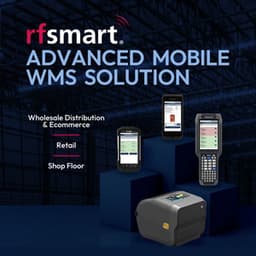
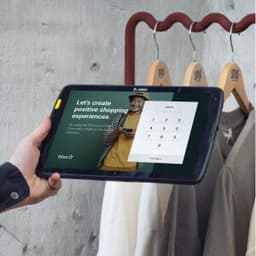
For businesses evaluating mobile scanning hardware, the most important factor is whether the WMS supports standard Android devices with a barcode scanning app versus requiring purpose-built Zebra or Honeywell RF guns. The hardware cost difference is 5–10x, and for most mid-market warehouses, standard Android devices with protective cases handle the physical demands adequately. Reserve purpose-built hardware for environments with extreme temperature ranges or very high scan volumes (1,000+ scans per hour per device).